Ask any experienced network engineer how they troubleshoot a "the internet is down" ticket, and most of them will describe the same mental process without even naming it: they work through the OSI model, layer by layer, from the physical cable up to the application itself. It's one of the first frameworks taught in any CCNA-track course, and for good reason - it turns a vague, panicked problem into a structured checklist.
What the OSI Model Is
The Open Systems Interconnection (OSI) model is a conceptual framework, published by the ISO in 1984, that describes how data travels from one device to another across a network in seven distinct layers. No single real protocol maps perfectly onto it - it's a teaching and troubleshooting model, not literal code - but it remains the industry's shared vocabulary for describing exactly where in the communication process something is going wrong.
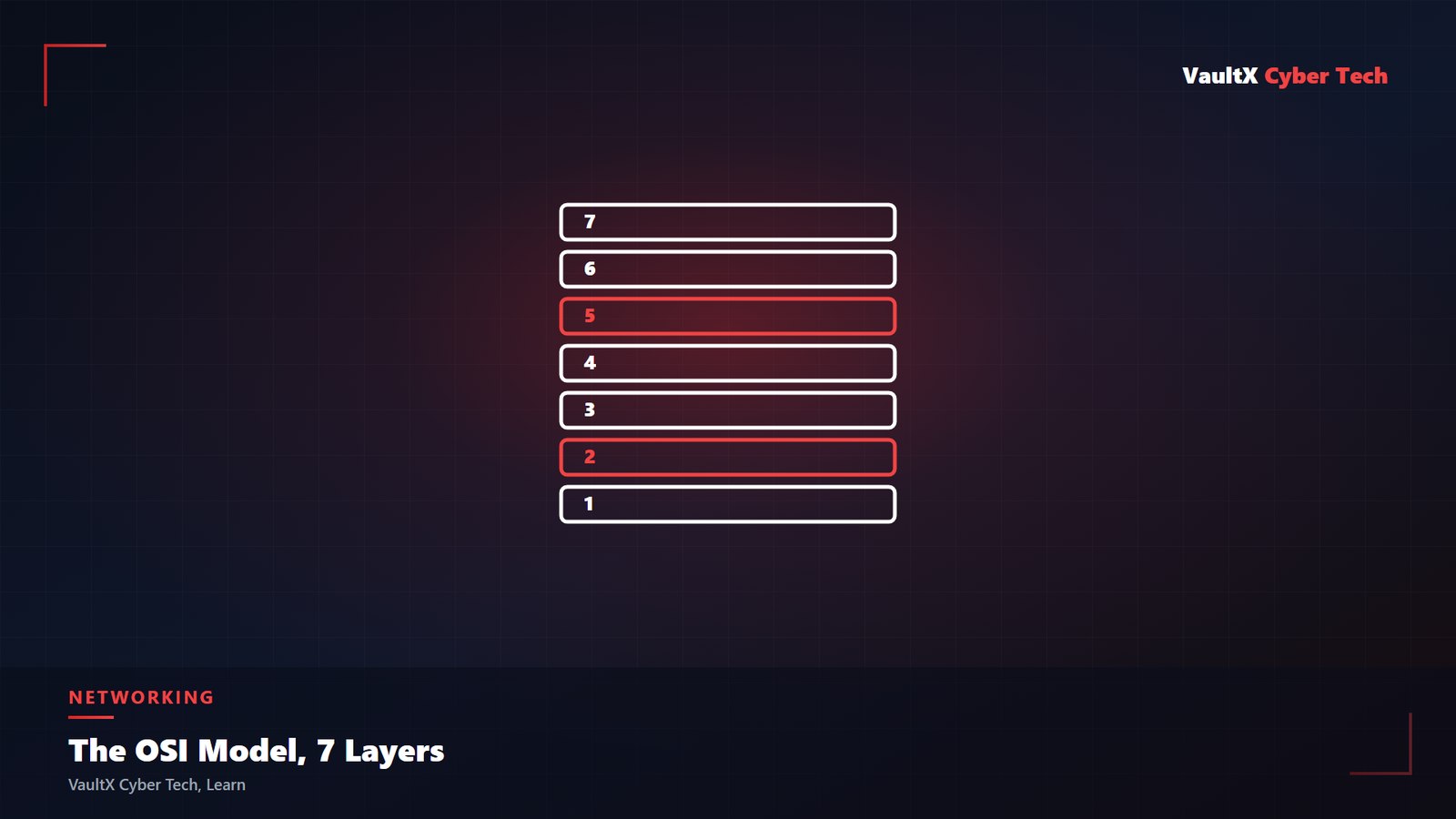
The 7 Layers, Top to Bottom
| Layer | Name | What It Does | Real-World Example |
|---|---|---|---|
| 7 | Application | The interface the user actually interacts with | HTTP, browsers, email clients |
| 6 | Presentation | Formats, encrypts, and translates data | SSL/TLS encryption, JPEG/PNG encoding |
| 5 | Session | Opens, manages, and closes communication sessions | Login sessions, API session tokens |
| 4 | Transport | Reliable end-to-end delivery, error checking | TCP (reliable), UDP (fast, no guarantee) |
| 3 | Network | Logical addressing and routing between networks | IP addresses, routers |
| 2 | Data Link | Physical addressing within one local network | MAC addresses, switches |
| 1 | Physical | The actual physical transmission medium | Cables, fiber, radio signals, NICs |
A Simple Way to Remember the Order

Most students memorize the layers using a mnemonic. Top to bottom (7→1): "All People Seem To Need Data Processing." Bottom to top (1→7): "Please Do Not Throw Sausage Pizza Away." Either works - what matters is being able to instantly place a technology or a symptom at the correct layer.
Why This Model Actually Matters in Practice
The real value of the OSI model isn't memorizing seven names for an exam - it's using it to narrow down a problem fast.
OSI Model vs. TCP/IP Model
Students are often confused when they see network diagrams using only four layers instead of seven - that's the TCP/IP model, the model the real internet is actually built on. It compresses Application/Presentation/Session into one "Application" layer, and Data Link/Physical into one "Network Access" layer. The OSI model is taught because it's more granular and easier to reason about; the TCP/IP model is what's actually implemented in real-world protocols.
Common Layer-to-Device Mapping
- Layer 1 devices: hubs, repeaters, cables - they move raw signal only.
- Layer 2 devices: switches - they forward traffic based on MAC addresses within a local network.
- Layer 3 devices: routers - they forward traffic between different networks based on IP addresses.
- Layer 4-7 devices: firewalls, load balancers, and application gateways - they inspect and act on content, ports, and sessions.
Key Takeaways
- The OSI model splits network communication into 7 layers, from physical cabling up to the application itself.
- It's primarily a troubleshooting and communication tool, not literal running code.
- Working a problem layer-by-layer - physical, then link, then network, then transport, then application - is the fastest way to isolate a real network fault.
- Understanding which device (hub, switch, router, firewall) operates at which layer is core CCNA-level knowledge and comes up constantly in real IT support work.